
How It Works
From the first call to the finished report
Six steps. One job record. In the office or on your iPhone.
Customer Call / Lead
Create the job in seconds from the customer's call: property address, source of the issue, and referral source. Tap-to-call, text, or map directions are one tap away from the job record.
Job Record
The job moves through a restoration-specific pipeline from lead to closeout, on the native iPhone app your techs already carry, with owed/paid visibility for the whole team.
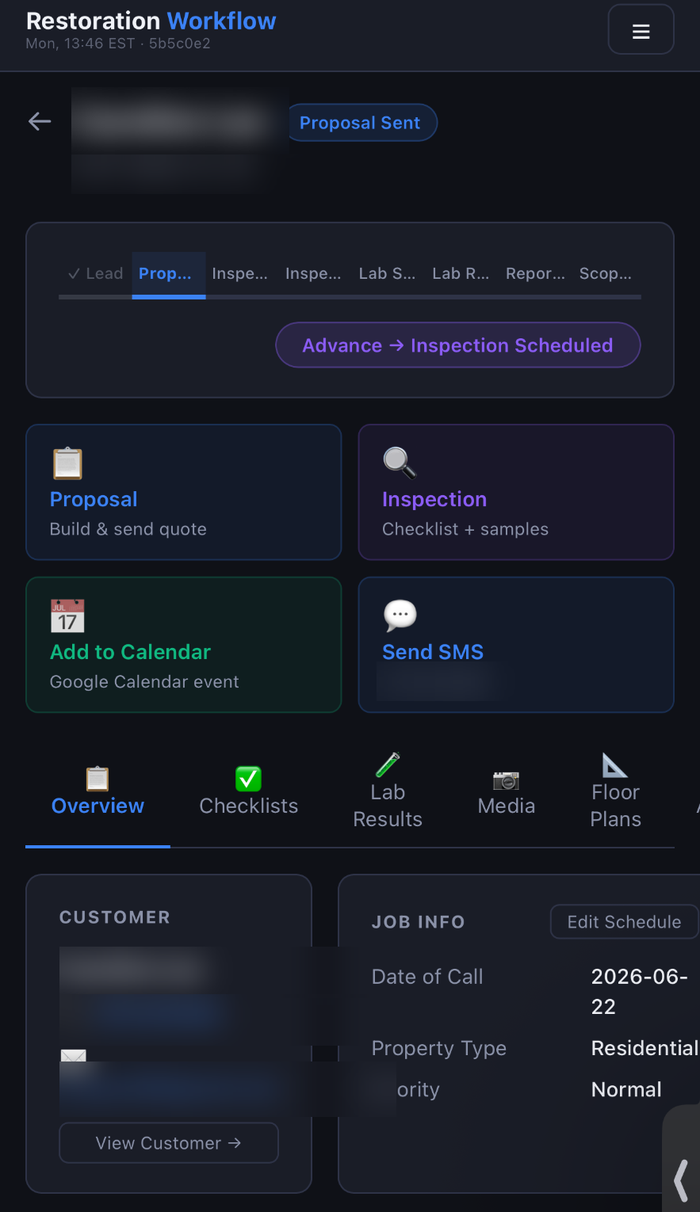
Inspection
Techs run the field inspection on their phone: environmental readings, photos organized by floor, room, and category, and mold sample collection, all attached to the job.
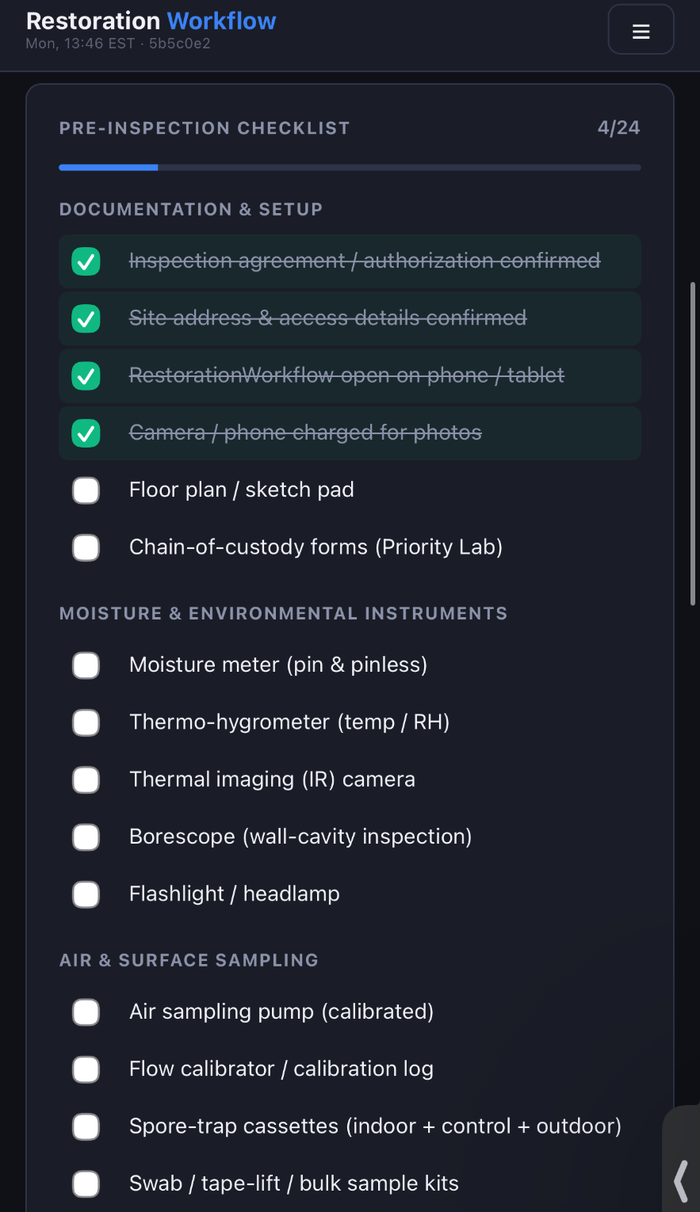
Lab / Samples
Samples are tracked through the lab workflow with supported labs like Priority Lab, Hayes, and EMSL. Results are parsed and attached to the job and the cassette they belong to.
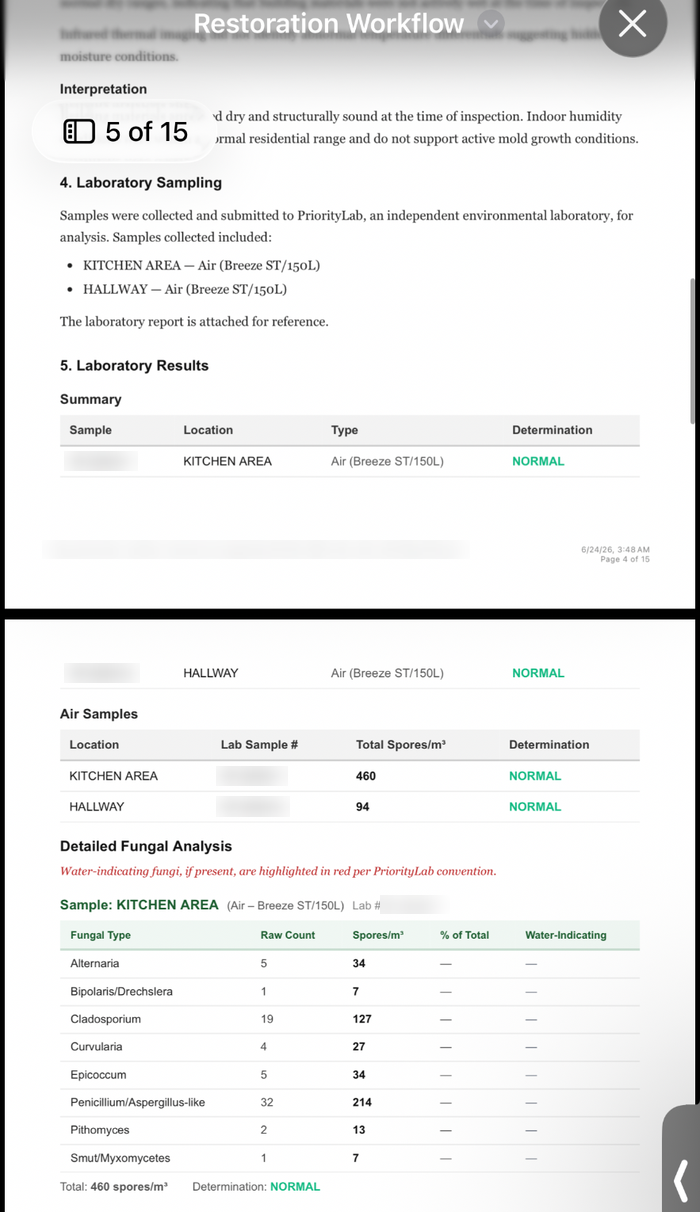
Proposal
Build the proposal from a custom template: add, duplicate, reorder, or remove line items, and edit scope, notes, terms, quantities, and pricing before sending it out for secure signature.
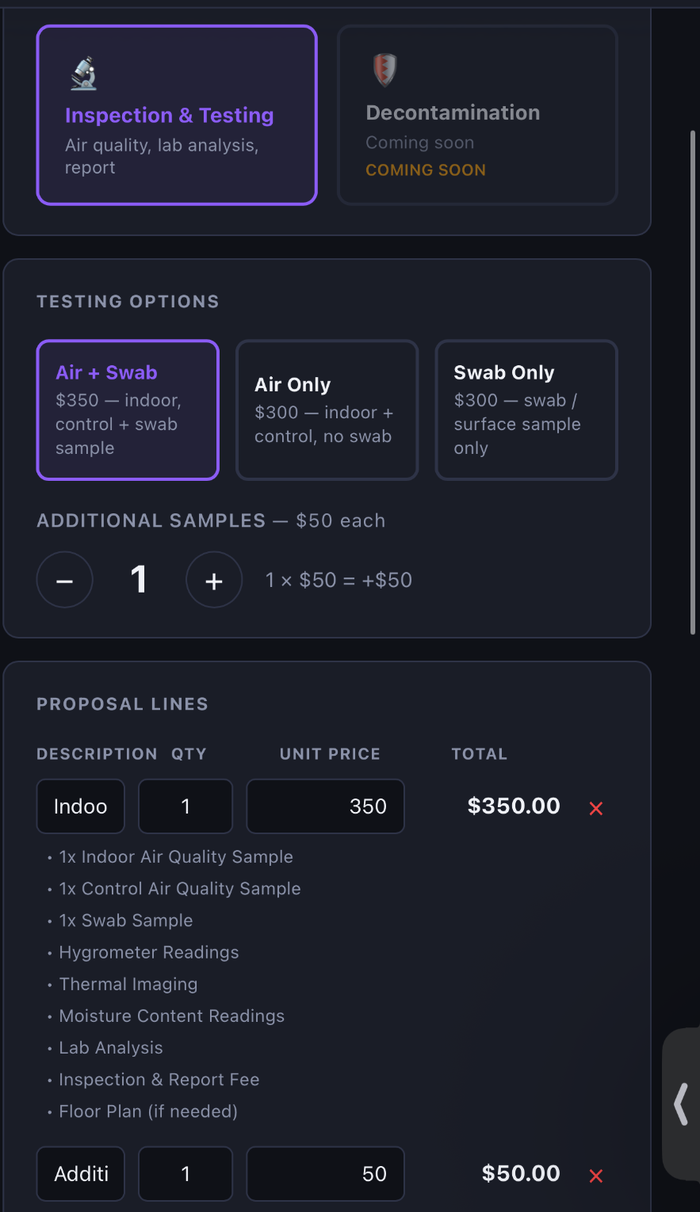
Report & Follow-Up
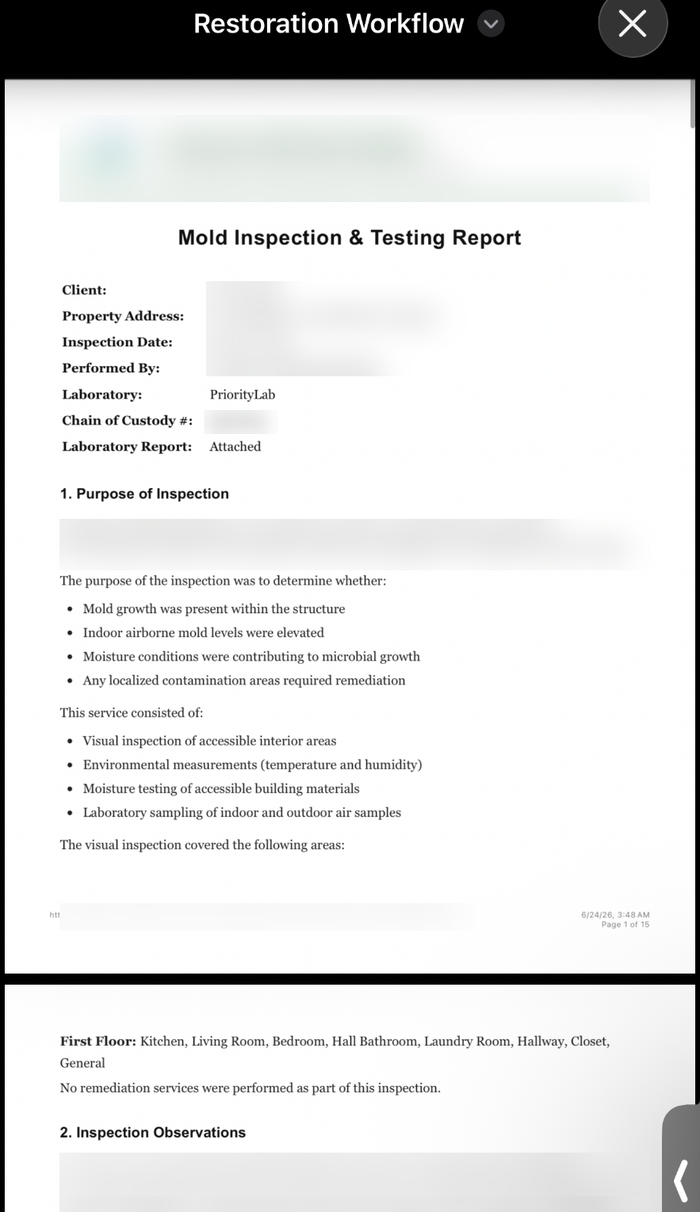
AI drafts an evidence-backed report from the inspection, photos, and lab data. A professional reviews and edits it before it goes out as an editable, branded report, with original lab docs retained and every revision kept on the job.
Stop running jobs on spreadsheets.
A one-month business pilot is available after company onboarding.