
Photo Documentation
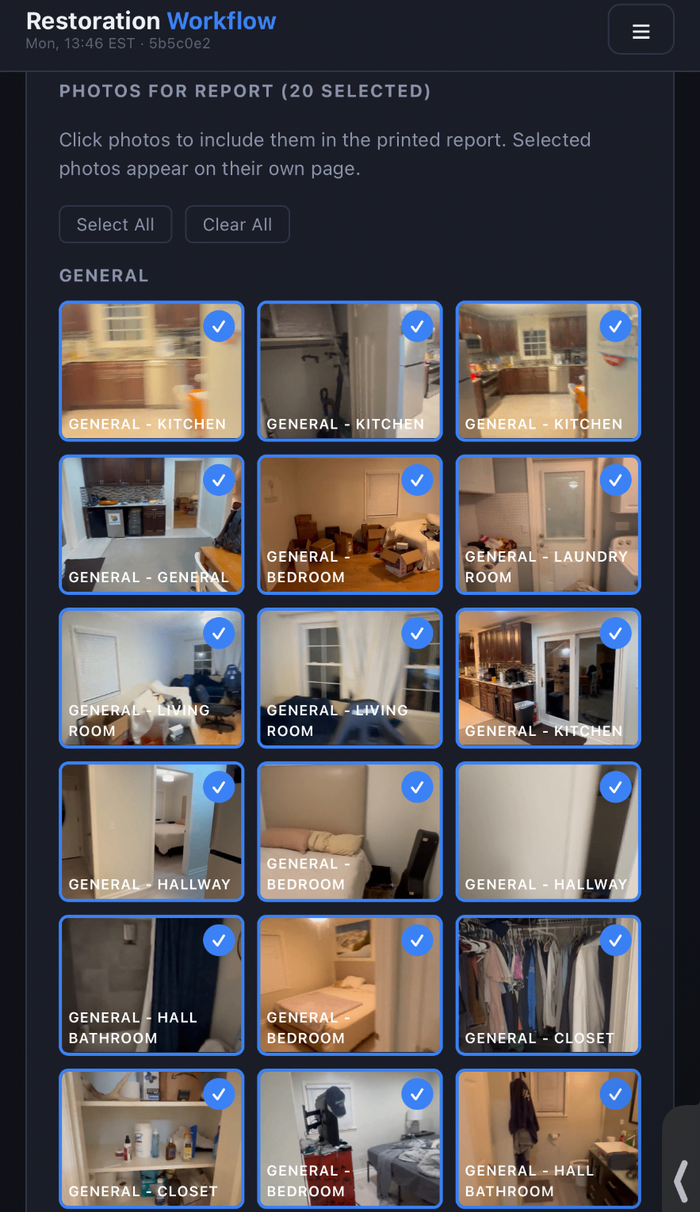
Capture photos from the truck or in the field and organize them by floor, room, and category on the job record. Photos are tied to the inspection and feed figure-numbered images into the report.
- Bulk photo upload from the field or the office
- Organized by floor, room, and category on the job record
- Flows into the AI-assisted draft report as numbered figures
- Planned: pull frames automatically from a walkthrough video
Keep exploring
AI-Assisted Report Drafting
AI drafts a branded, editable inspection report from the evidence already on the job — the restoration professional reviews and approves it before it goes to the customer.
Pipeline Financial Visibility
See what's owed and what's been paid across your pipeline without opening a spreadsheet. Amounts owed and paid are tracked on every job and rolled up per customer.
Post-Remediation Verification & Clearance Documentation
Planned: generate clearance documentation the same way as an inspection report — final readings, photos, clearance sampling, and a summary for the customer and their insurer.
Proposals & E-Signatures
Edit the scope, pricing, notes, and terms before sending a supported proposal or authorization form through a secure customer signing link.
Floor-Plan Annotation
Upload a floor plan and drop pins where you find things — lab samples, visible mold, elevated moisture. The annotated plan flows straight into the report PDF.
Drying & Remediation Calculators
Built-in field math. Psychrometrics & GPP, dehumidifier sizing, air-mover counts per IICRC S500, and a fogging-time calculator that uses your captured square footage.
Stop running jobs on spreadsheets.
A one-month business pilot is available after company onboarding.